Productivity
Claude Works While You're Gone
Close your laptop and Claude keeps working. Here's everything that changed in Claude this past month, and exactly what a one-person business should do about it.
LessonOpen
Practical lessons for putting AI to work.
 Made available byAnselm Fowel
Close your laptop and Claude keeps working. Here's everything that changed in Claude this past month, and exactly what a one-person business should do about it.
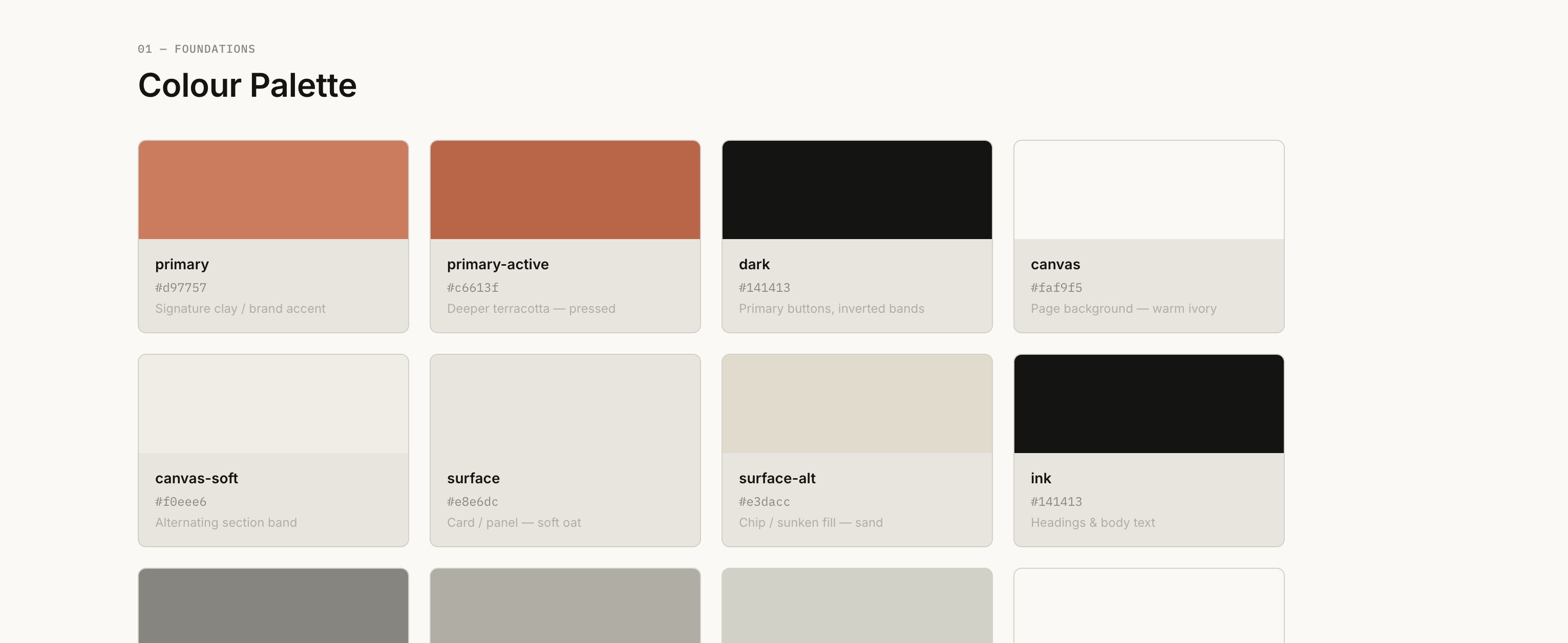
50 real brand design systems, reverse-engineered into files your AI tools can actually read: exact colors, fonts, spacing, and components pulled from live sites like Nike, Apple, and Stripe. Each brand comes with a DESIGN.md file for prompting and a rendered showcase page, so you can build with real design data instead of guessing.
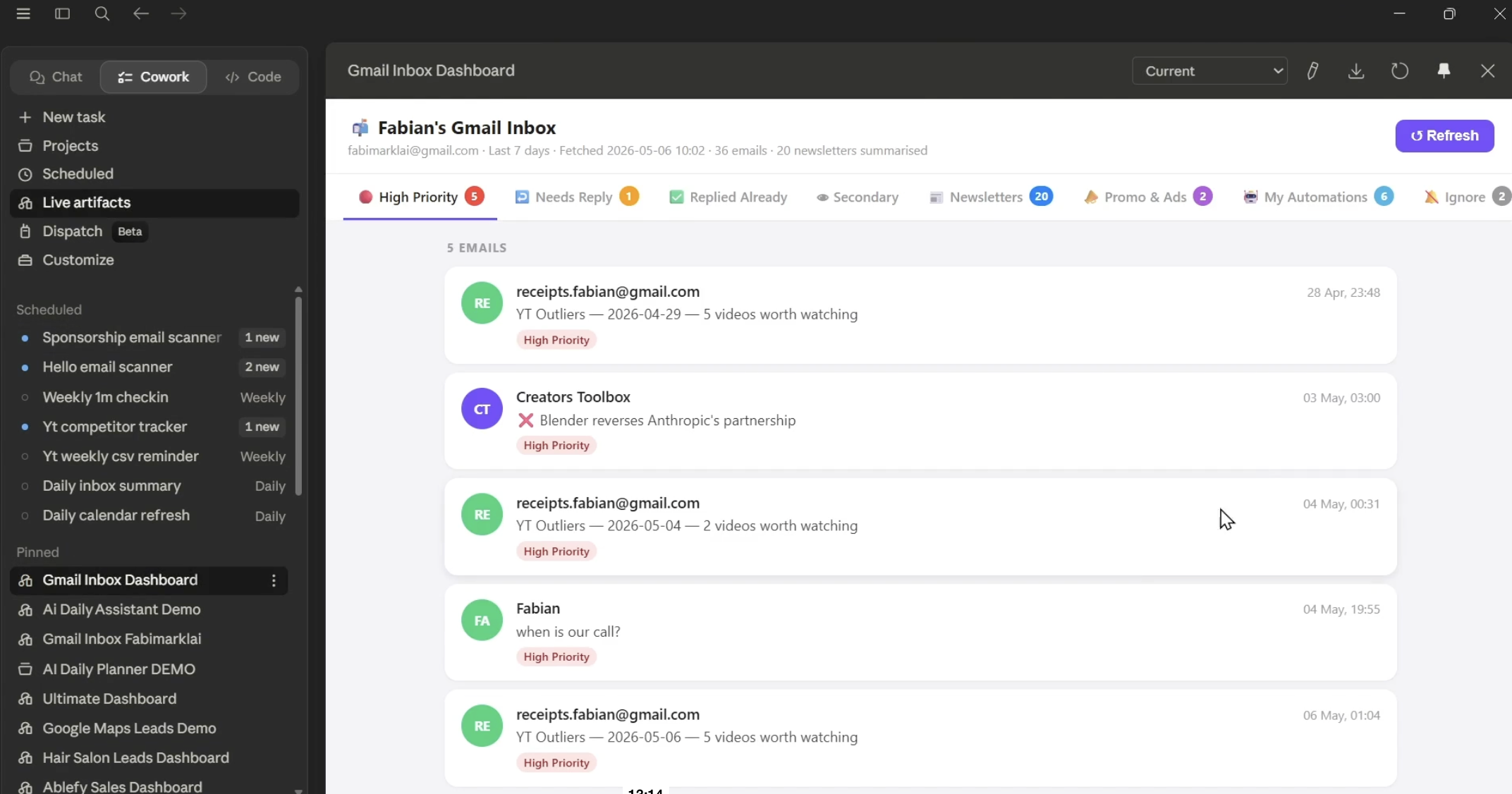
Turn Claude Desktop into a single morning view of your tasks, meetings, and email. About 30 minutes of setup, no code, and you keep it forever.
There's a free Anthropic plugin almost no one knows about. It bundles 31 small business workflows into one Cowork toggle: payroll, invoices, campaigns, contracts, and more. Here's everything inside it and how to start using it this week.
A hidden gem from Anthropic: 13 free legal plugins for NDAs, contracts, trademarks, renewals, and more. Here's how to install it on your desktop.
Turn Claude Desktop into a single morning view of your tasks, meetings, and email. About 30 minutes of setup, no code, and you keep it forever.
Anthropic's Claude Design turns a conversation into polished decks, landing pages, and mobile prototypes. A practical walkthrough with three worked examples and the advanced moves most users miss.
A practical walkthrough that turns Claude Cowork into a working capture-and-nurture engine for your business. Set it up once. Let it run forever.
Connect Claude and Obsidian to build a second brain Claude can actually read, search, and write to. Two beginner-friendly setups, a full Windows walkthrough, and a free template that gets you running tonight.
Generate twenty production-ready static ads for your brand in about an hour. This step-by-step guide covers every account, API key, and install you'll need before your first run. Written for users who are new to AI tools and don't want to touch a terminal
What it is, how to install it on Mac and Windows, and what you can use it for. No coding experience required to follow along.
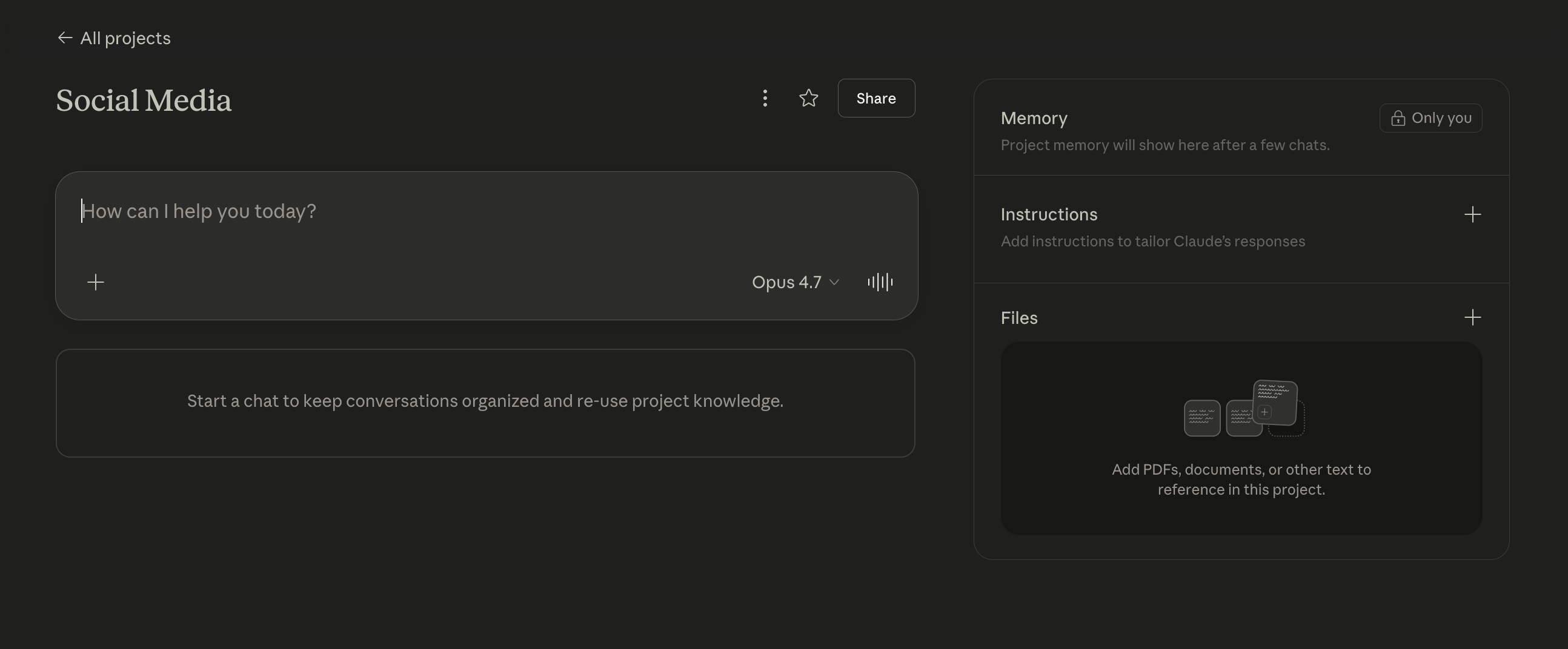
This article walks users through Claude Projects, showing them how to set up persistent workspaces that remember their business context, writing style, and preferences across every conversation. It covers everything from creating a first project and writing effective custom instructions to using the knowledge base, choosing the right model, and building reusable templates for tasks like content creation, customer support, and data analysis.
Weavy is an AI image/video automation platform that can supercharge your content. Here's how it works, in full.
Claude's new desktop app with agent access can help you achieve incredible things. Here's how to get started.
This guide explains what Moltbot is, shows you how to install and set it up, and teaches you how to use this open-source, self-hosted AI assistant that automates real tasks through messaging apps and workflows.
How to create easy to follow SOPs from a messy Loom video, using Google Gemini
Camera angle is one of the most underused controls in AI image generation. Most people describe what they want in a scene but forget to specify how the camera sees it. That single oversight determines whether your subject looks powerful or vulnerable, intimate or distant, dynamic or static.
A comprehensive guide to Google Pomelli, the new AI-powered marketing tool that helps businesses analyze their brand from a website and quickly generate professional, on-brand marketing campaigns and content.
Traditional SEO is dying. Find out how to get ChatGPT and others to learn about what you do, and give correct answers when recommending your business.
Google's NotebookLM might be one of the most under appreciated AI tools out there. Let's take a look at what it can really do for you.
Claude Skills are like giving Claude a specialized toolkit for your specific needs. Instead of explaining your company's brand guidelines every time you need a document, or pasting the same complex instructions repeatedly, you create a “Skill” once and Claude uses it whenever relevant.